Product details
Product information:
Interface: USB
Product size: 227*170*36mm
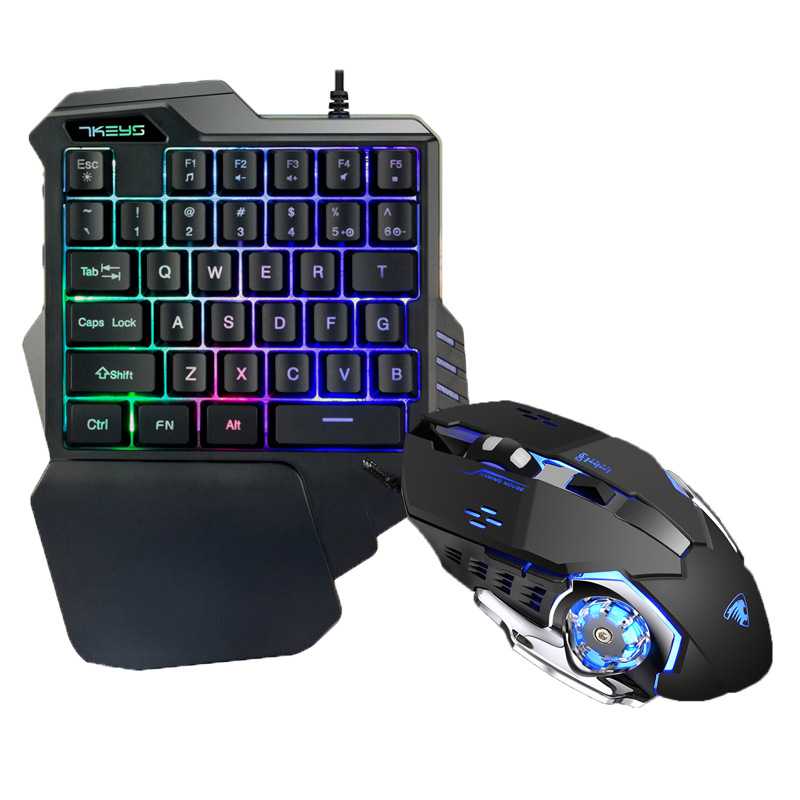
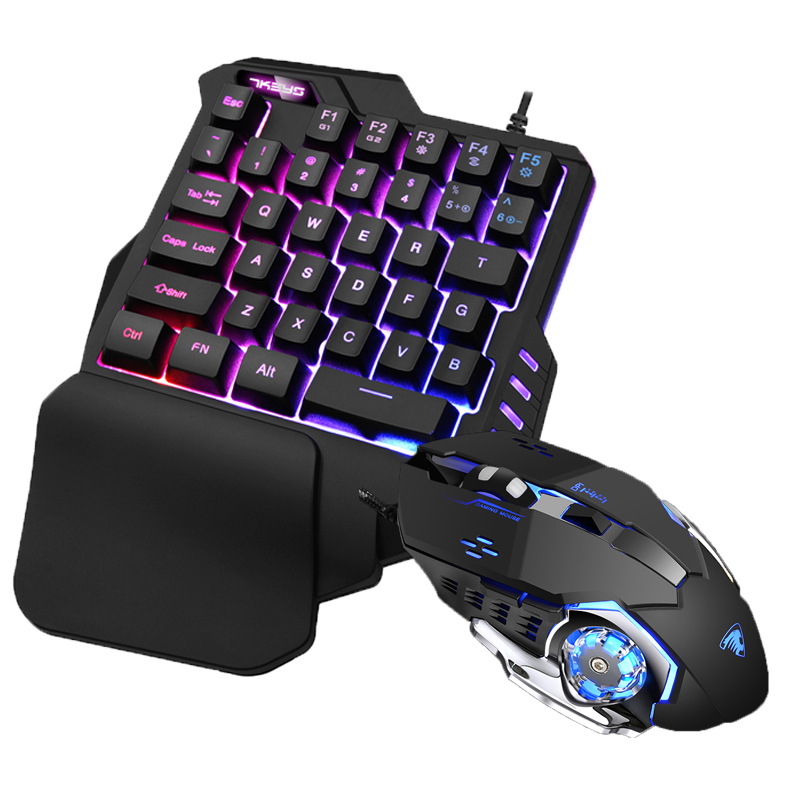
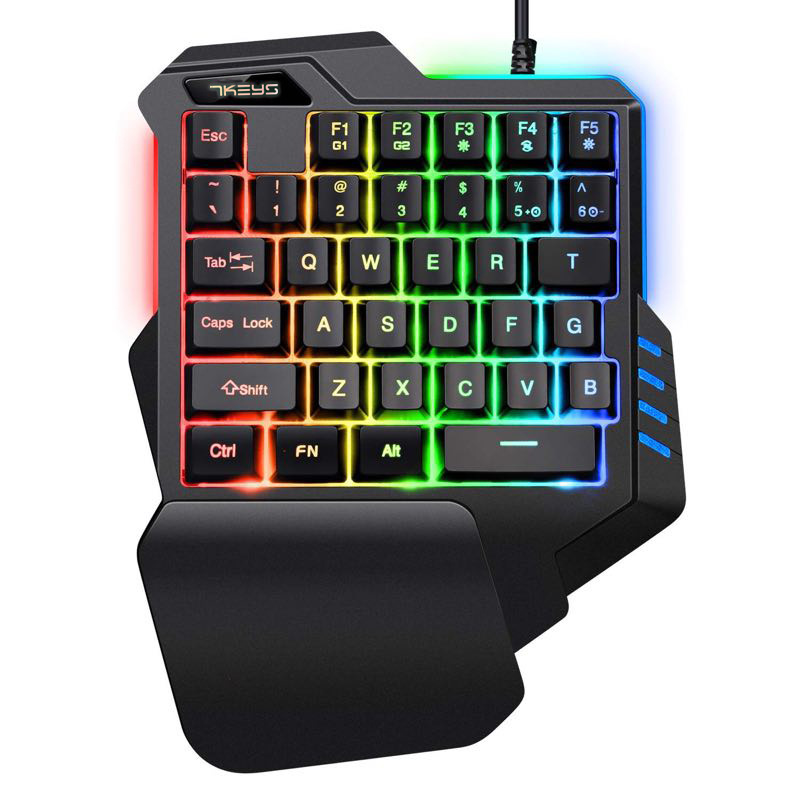
Color: mixed color version, 7 kinds of RGB light, G30 single mixed plus G3 mouse, G30RGB+G3 mouse, G40 single mixed, G40RGB
Features:
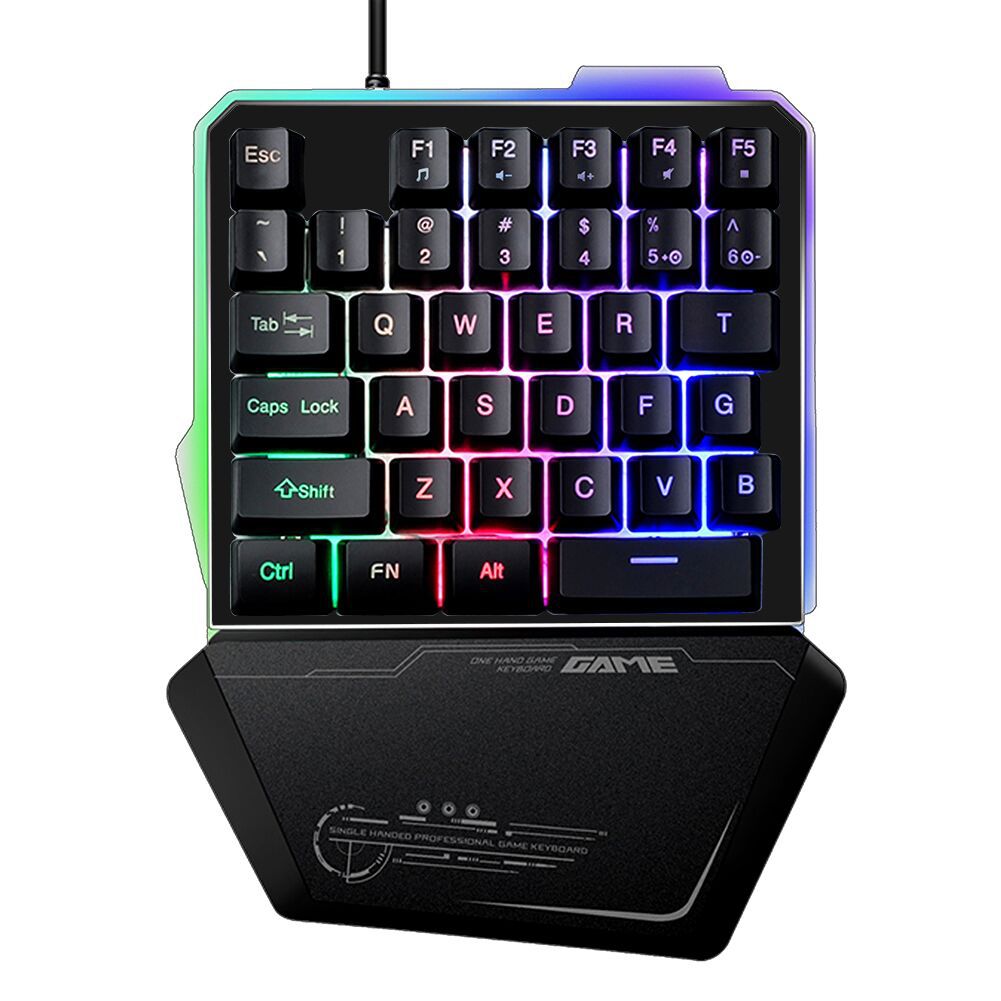
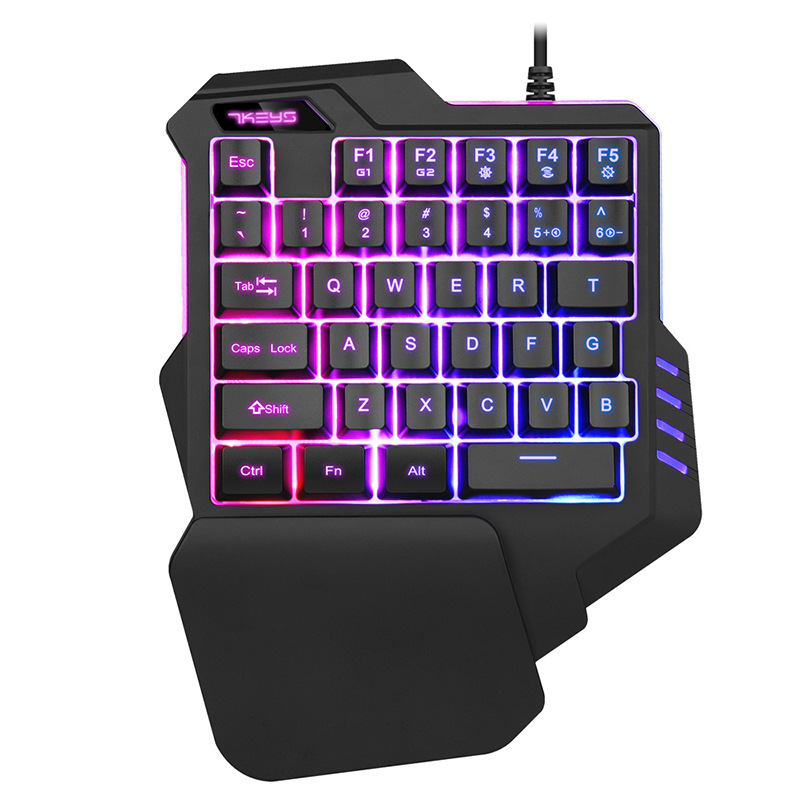
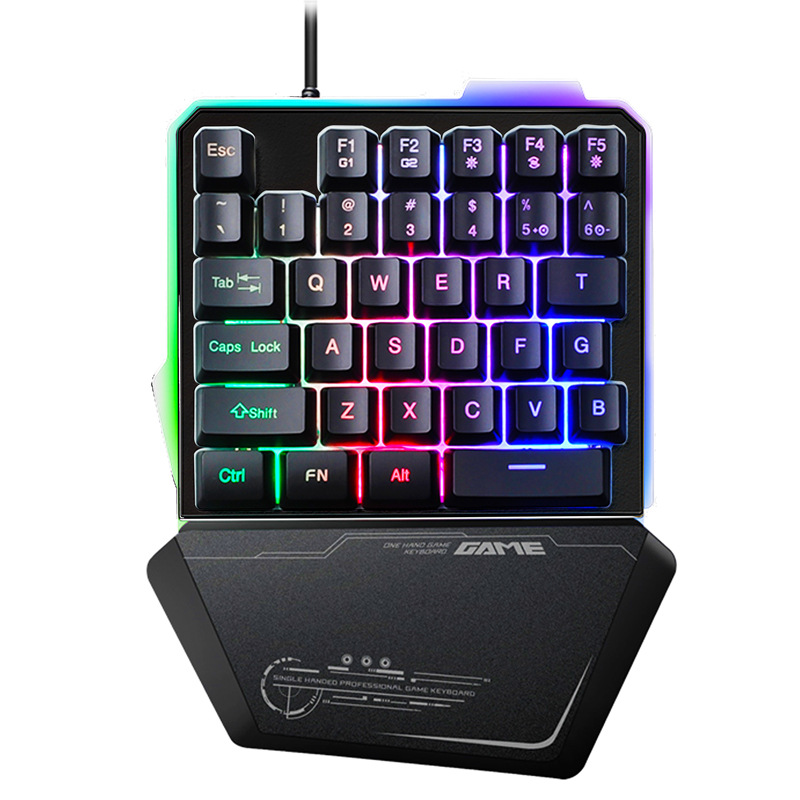
This keyboard is not only used for mobile games, it is also a good choice for notebook gamers. The 7-color version has a macro recording function and a good mechanical feel experience. It is easy to play various big moves.
Product function introduction:
1. The F1/F2 key comes with two macro recording function keys;
1: Press FN+ESC for about 3 seconds, the backlight will flash, enter the recording state, enter the recorded content, press FN+F1 to save after recording; the backlight stops flashing, press FN+F1 to broadcast the corresponding content;
2: F2 record key in the same order as above;
3: Clear the recorded keys, press FN+ESC key after the light flashes, press FN+F1/F2 to clear the corresponding recorded keys directly;
4. Allow this keyboard to run on Win2000, Win XP, Win ME, Vista, Win7, Win8, Android, linux, Apple and other operating systems.
5. Support a variety of stunning backlight effects, the operation is as follows
(1). Press FN+F3 key: 7 kinds of single color and one kind of mixed color light cycle switch.
(2). Press FN+F4 key: wave/colorful horse race: colorful? 1?7 color gradient flowing water, default wave style. Press again to enter the colorful cycle horse racing mode.
(3). Press FN+F5 key: the backlight is turned off/on, and the cycle is switched.
(4): Press FN+5 to adjust the speed of the streamer to become faster;
(5): Press FN+6 to adjust the speed of the streamer to slow down;
(6): Passed CE, FCC, KCC certification.
Packing list:
One-handed gaming keyboard + manual *1